To see a list of all accounts/users currently locked out of Windows, see instructions below:
1. Locate the batch file in the directory G:\IT\Service Desk\1-Helpful
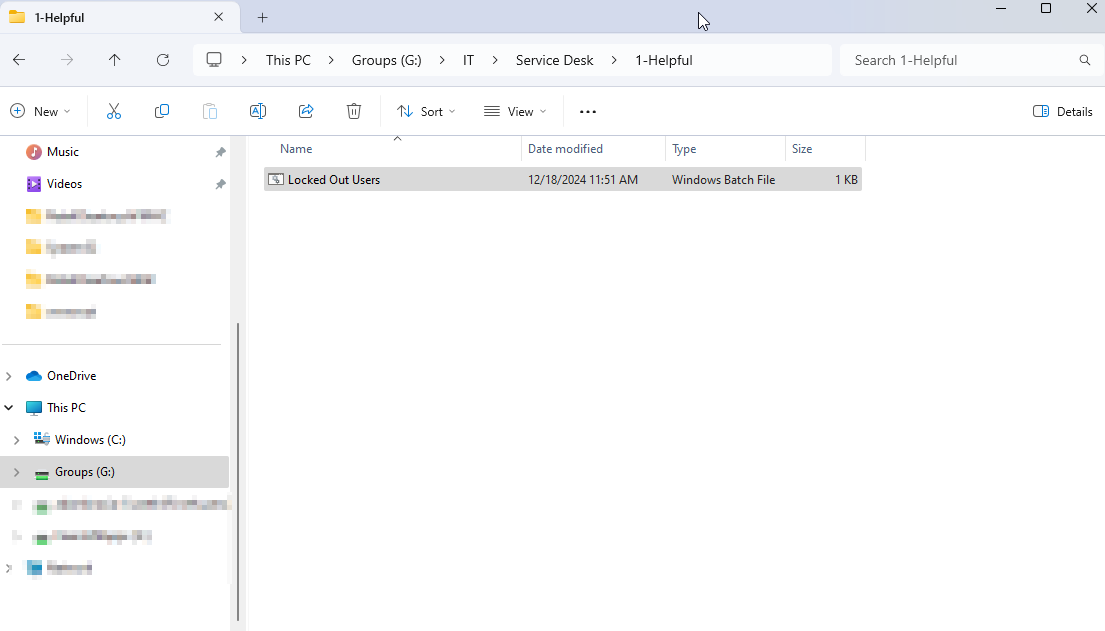
2. Go ahead and copy this file over to your machine.
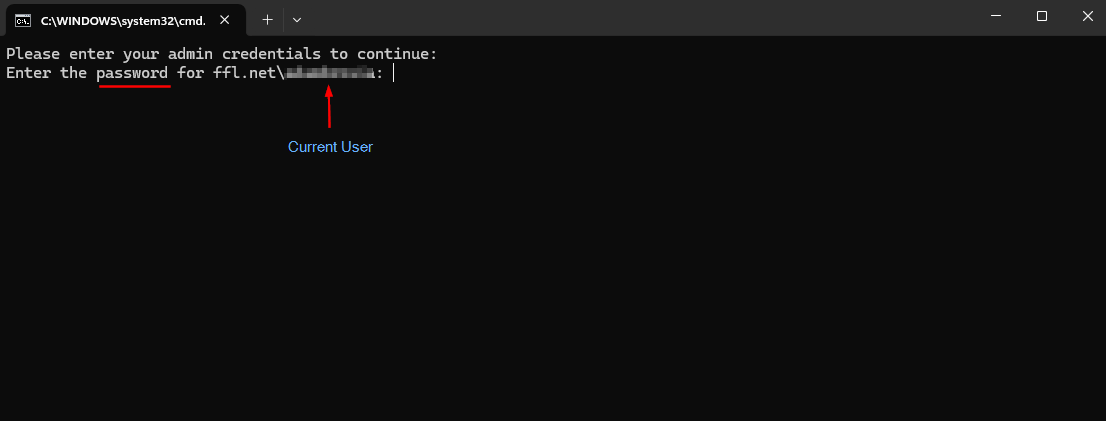
3. Run the file and you will prompted to sign in to the current user account you are signed into.
_____________________________________________________________________________________________________________________________________
Once you enter the password:
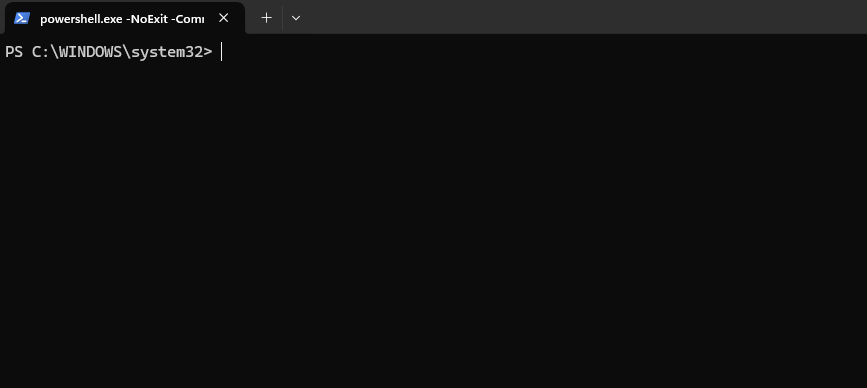
You will be greeted with nothing if no users are currently locked out:
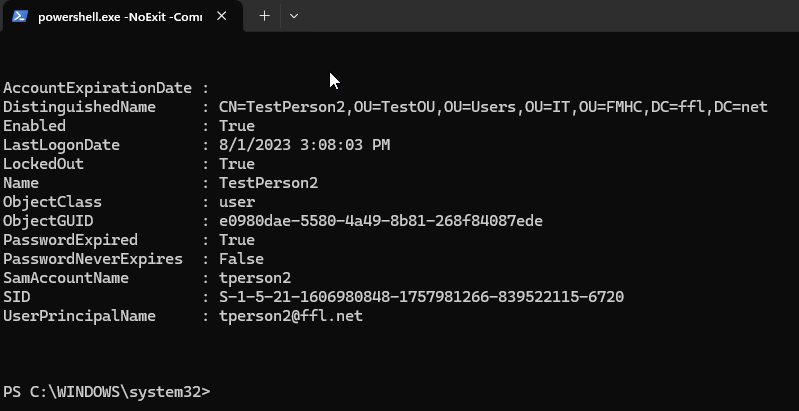
If there are users currently locked out, you will see a list like this:
ALTERNATE METHOD
1. Log into Active Directory Users & Computers
2. Right-click Saved Queries and select New > Query.
3. Give the query a name, like "Users Locked Out," and optionally a description. Select Define Query.
4. Select Custom Search from the drop-down dialogue box.
5. Select Advanced and enter this LDAP filter in the query box:
(&(objectCategory=Person)(objectClass=User)(lockoutTime>=1))
6. Select OK twice and the new query appears under the Saved Queries folder in Active Directory Users & Computers.
Was this article helpful?
That’s Great!
Thank you for your feedback
Sorry! We couldn't be helpful
Thank you for your feedback
Feedback sent
We appreciate your effort and will try to fix the article